U01
Conference rooms
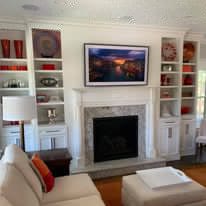
Displays, cameras and microphones cabled and mounted so the meeting starts on time.
AUDIO / VIDEO · CCB #249201 · MILWAUKIE, OR
Displays, projectors, conference cameras and paging all run on low voltage cable someone has to plan, pull and terminate before the gear ever gets hung. That someone is a licensed crew, not whoever was free that week.
SECTION 01 / WHAT WE HANG AND WIRE
Commercial A/V is mostly cable that has to be in the right place before the drywall closes, plus the mounting hardware to hang the gear once it does.
Displays, cameras and microphones cabled and mounted so the meeting starts on time.
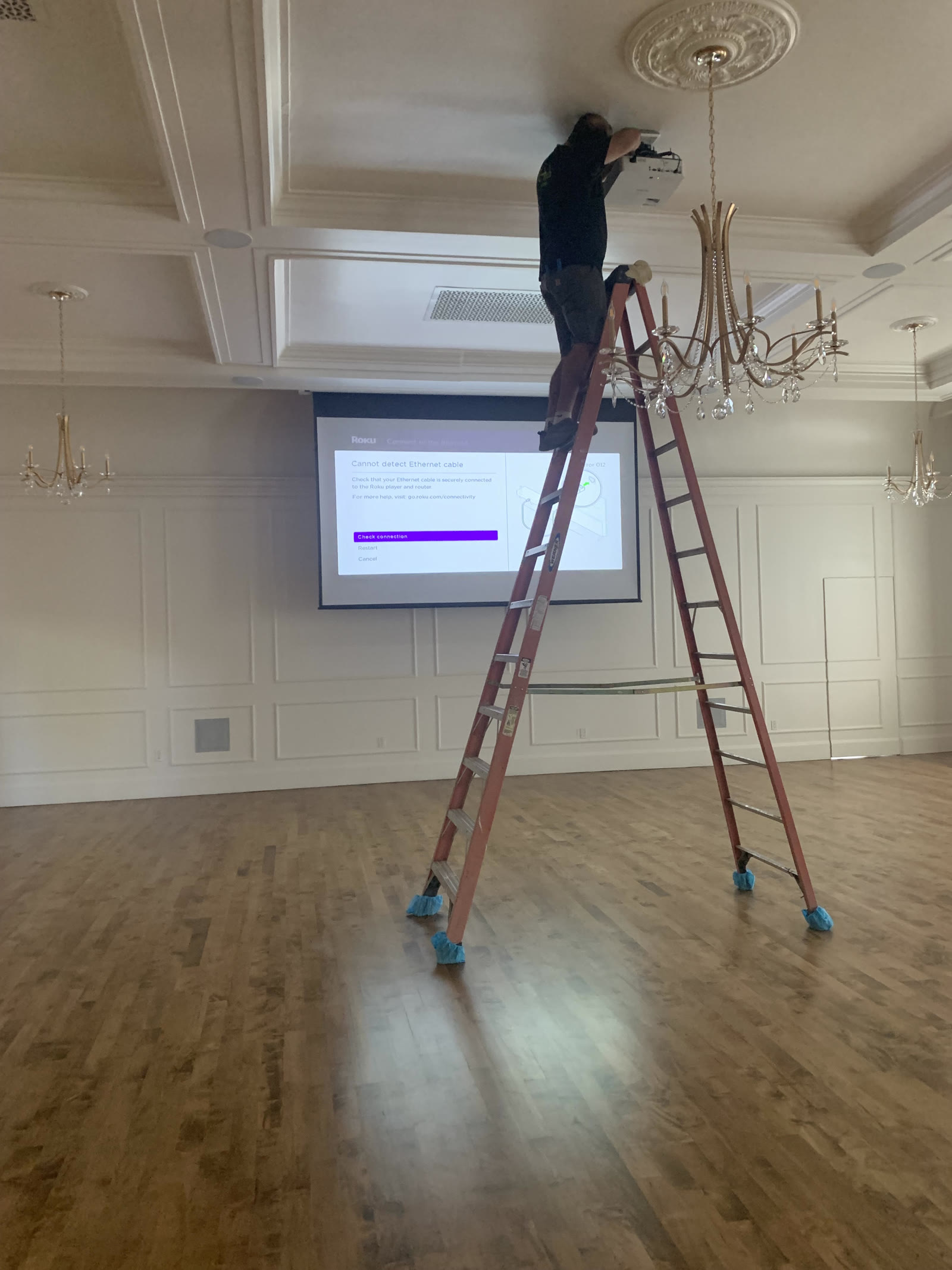
Ceiling and wall mounts, signal runs pulled to the source before it matters that the room is finished.
Speaker runs through common areas, warehouses and retail floors.
Network and power cabling for displays that run off the same backbone as everything else.
SECTION 02 / BEFORE THE GEAR GOES UP
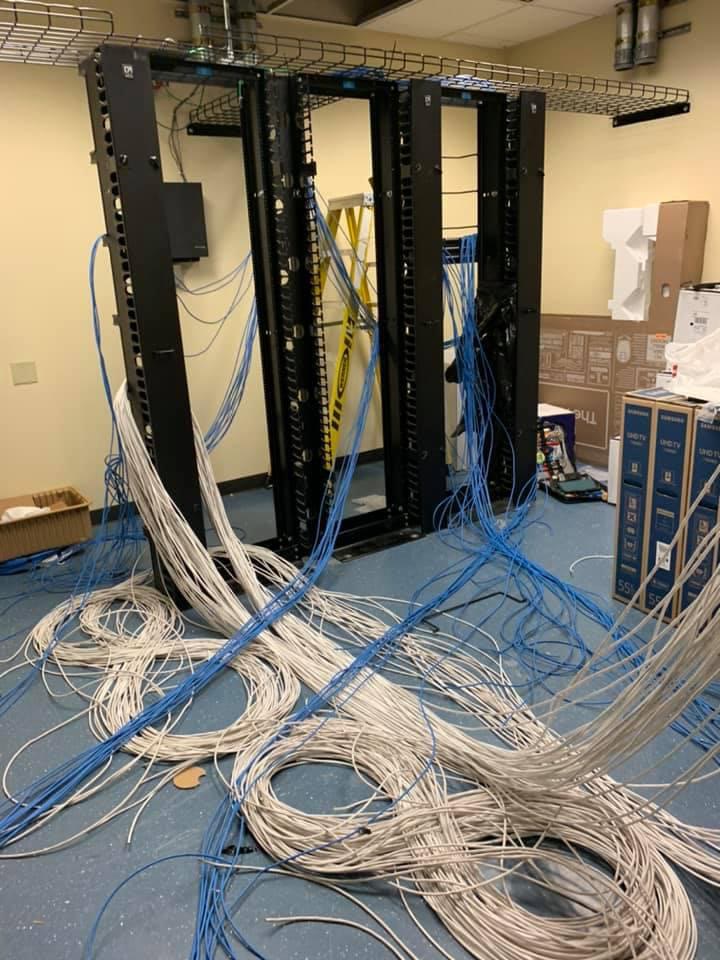
By the time a display or a projector goes on the wall, the signal, power and network runs behind it should already be pulled, dressed and tested. That is the part of the job that does not show once the room is finished — and the part that causes the most callbacks when it is rushed.
SECTION 04 / READ THE LABEL
Published A/V and networking figures, so the conversation starts with the same numbers. What a specific room needs depends on distance and device count — that is what the walkthrough is for.
Ask what your room needs →General industry reference, not a promise about a specific room.
SECTION 05 / WHY IT MATTERS
A dead conference room costs a room full of billable hours. We would rather the cable behind the glass be boring and reliable than clever and fragile.
SECTION 06 / ROUGH-IN OR RETROFIT
Rough-in work goes in before drywall, run exactly where the drawing says. Retrofit work into a finished room means fishing walls or running exposed conduit — a different method, the same terminated, tested result. We tell you which one your project is on the walkthrough.
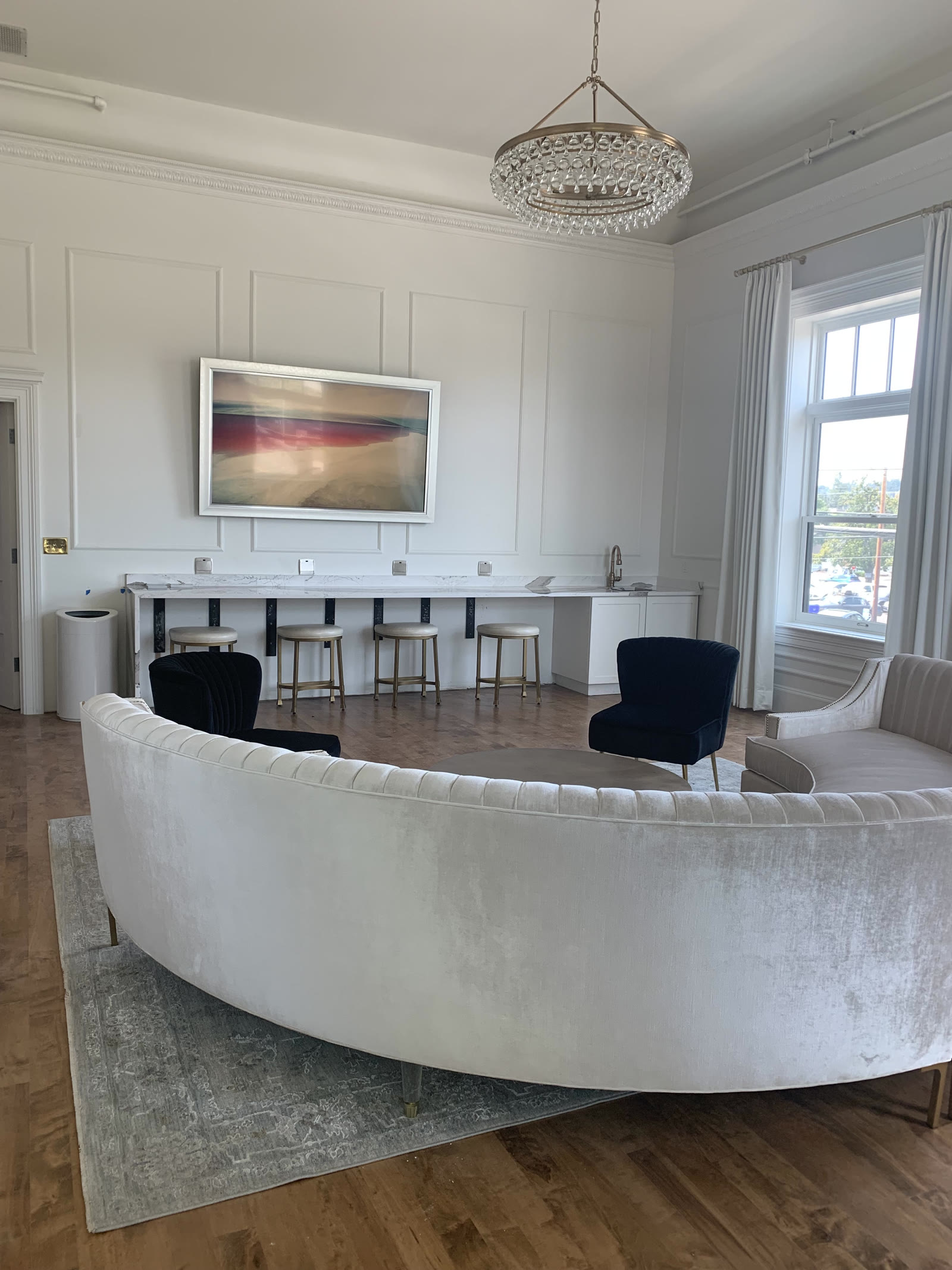
THE ROOM, FINISHED
By the time a room like this is finished, the low-voltage work is the part nobody sees — every run planned, pulled and terminated before the finish work ever went up.
SECTION 07 / DUE DILIGENCE
Four questions worth asking any bidder, including us.
SECTION 08 / THE RUN
One cable. Five stations.
Sightlines, mounting points, existing infrastructure.
Routes, category, mounting plan and a number.
Pulled before drywall, or fished into a finished room.
Displays, projectors and speakers hung, cable tested.
A labeled diagram of what feeds what.
SECTION 09 / THE OTHER TRADES
Rough-in timing coordinated with drywall, framing and the rest of the trade schedule.
Conference rooms, ballrooms and common areas that need to work the same way every time.
We pull, mount and terminate. You program the codec and the control system. Clean handoff, either direction.
SECTION 10 / ONE ROOM AT A TIME
Sometimes it's one display, one clean cable path, one room. Same licensed crew, same terminated-and-tested standard, scaled to the job in front of us.
SIGNAL CHAIN
An audio-video system is a chain: a source (laptop, camera, media player) feeds a switcher or matrix, which feeds a processor, which feeds an amplifier or display. On the audio leg, each transition needs gain staged correctly, or the next device inherits a signal that's too hot or too weak to work with; on the video leg, each transition has to pass the right resolution, format, and handshake, or the next device won't lock a picture at all. When one video signal needs to reach more than one display, a distribution amplifier splits it without degrading the picture — a passive splitter often can't. Every cable at a properly built rack is labeled at both ends, and a laminated diagram tracing the signal path from source to output lives inside the rack door. When something stops working, that diagram is where troubleshooting starts — testing each junction in order, not swapping out whole components and hoping.
CABLE AND HANDSHAKE
A dead display is rarely a bad cable. Before a picture shows, the source and display perform an EDID handshake that negotiates resolution and format, and a content-protection compliance chain has to match end to end or protected content refuses to display at all — a break anywhere in that chain reads as "no signal" with no other explanation. Baseband HDMI only travels a short distance before quality drops, so longer runs go out over twisted-pair or fiber extension instead of a longer cable. In a return-air ceiling space, the cable itself has to be plenum-rated by code. At the rack end, connectors need strain relief, not just a crimp, because a cable that pulls on its connector eventually fails at the pin, not along its length.
VIDEO OVER THE NETWORK
Once video moves onto a network instead of a dedicated cable run, it still starts and ends as an audio-video signal — every source and display connects through an encoder or decoder that packages the picture and sound for the wire and reconstitutes it at the other end. Those streams travel as multicast, not point-to-point, so the switching gear has to support multicast at line rate with IGMP snooping, or the video floods every port in the building instead of just the ones with a display attached. Video-over-IP traffic sits on its own VLAN, separate from office data, with bandwidth budgeted per stream from the codec and resolution in use, not assumed to fit on top of everything else. Because audio and video now travel as separate encoded streams reassembled at the decoder, lip sync between them is checked at commissioning: a network that passes data cleanly can still hand back video a few frames ahead of its own audio.
ROOM ACOUSTICS
A speaker system fights the room before it ever reaches a listener. Reverberation time (RT60) — how long sound lingers after the source stops — is measured in an existing space, or calculated from room volume and finish materials during design for new construction, before any treatment is specified, and a room's ambient noise floor is rated on the NC (noise criteria) scale, which sets the level a sound system has to be intelligible above. Absorption panels go at the first-reflection points where sound bounces directly into a listener's ear, not spread evenly around the walls, because even coverage can absorb too much overall while leaving the reflections that actually cause problems untouched. Speaker coverage patterns are overlapped at their -6dB points so there's no dead zone between them. Hard surfaces — glass, concrete, exposed ceiling — increase reflections and usually mean more treatment, not more speakers, is the fix.
VIDEO WALLS
A video wall isn't finished when the panels are mounted — it's finished when it's calibrated. Bezel compensation shifts the image content at each seam so a shape or line reads correctly across the gap between panels instead of appearing to jump. Panels are matched and calibrated for color temperature and brightness so one section doesn't look warmer or dimmer than its neighbor, and a processor maps every input source to its exact position in the physical grid before content ever plays. The mounting structure behind the wall has to hold tight tolerances — a panel out of alignment by even a few millimeters is visible at a distance. Heat builds up behind a wall of tightly packed panels running for hours, so ventilation is planned in, not added after the fact, and content is run at reduced brightness or with pixel-shift scheduled in to manage long-dwell-time burn-in.
ASSISTIVE LISTENING
Code requires an assistive listening system in assembly spaces above a certain occupancy, and which technology fits depends on the room. An induction loop needs no receiver device for a telecoil-equipped hearing aid — the loop couples directly to the telecoil — but the loop's magnetic field can bleed into an adjacent room sharing a wall, which has to be checked, not assumed away. Infrared systems need line-of-sight, and struggle outdoors or near glass because ambient infrared from sunlight, and from low-E coated glass, swamps the signal, not because the glass itself blocks it. FM/RF systems cover a larger area but share spectrum with other building systems and have to be coordinated so they don't interfere with each other. Whichever system goes in, it's tested for signal-to-noise ratio at the receiver, not just checked for the presence of a signal, and receiver units are checked out and back in as part of running an event, not left to go missing or run dead.
DIGITAL SIGNAGE
A digital sign isn't a poster — it's a small distribution system with its own schedule. Content is broken into zones on the screen — a main panel, a ticker, a live feed — that can each update on its own timeline, and playlists are scheduled by day-part so a lobby screen isn't running the same loop at 7am that it runs at 5pm. Every display's resolution and aspect ratio has to be mapped in the content system so an image doesn't arrive stretched or letterboxed. Content is pushed to the screens over the data network on its own schedule, separate from live AV signal paths running elsewhere in the building, and a fallback image or loop is configured for when that content feed drops, so a screen goes dark to a held frame instead of an error message.
COMMISSIONING
A system isn't done when it powers on — it's done when it's measured. Sound pressure level is mapped at multiple seats across a room, not just checked once at the mix position, because coverage that's even at the front can fall off badly at the back. Frequency response is measured with a sweep tone and corrected with equalization rather than by ear alone. Audio-to-video sync is checked at the processor and corrected if it's off by even a frame or two — "close enough" isn't a setting. Gain structure is documented from source to output so a technician who's never seen the room can service it later without redesigning it from scratch. Pink noise and sweep tones are used as test signals, never program audio, because a test needs a signal with known, repeatable properties. A written commissioning checklist and punch list gets closed out before anyone calls the job finished.
SECTION 11 / LICENSED, BONDED, INSURED
Verify any of them before you hire anybody, including us.
SECTION 12 / BEFORE YOU CALL
Both. We mount the hardware and pull, terminate and test the low-voltage runs feeding it. Programming a control system or codec is typically your A/V or IT vendor's side, and we coordinate with them.
Yes. Retrofit cable paths are different from a rough-in job, and we plan the route on the walkthrough before quoting anything.
Yes. Off-hours and weekend scheduling around an events calendar is normal for us.
We hold Oregon CCB #249201, Oregon electrical licence 4911LEA, CLE723 and Washington licence KNEPPJK854KK, with $2,000,000 in liability insurance and a $50,000 bond.
Book a walkthrough. We look at the room, then you get a written scope and price you can compare against anyone else's.
SECTION 13 / NEXT STEP
Licensed, bonded and insured · 5.0★ on Google, 18 reviews · 24/7 on call from Milwaukie, OR.
Move your cursor across this band